A full LMS toolkit for branded training at scale.
Build courses with AI, launch tenant-specific workspaces, manage learners, issue certificates, and measure training outcomes without splitting the work across tools.
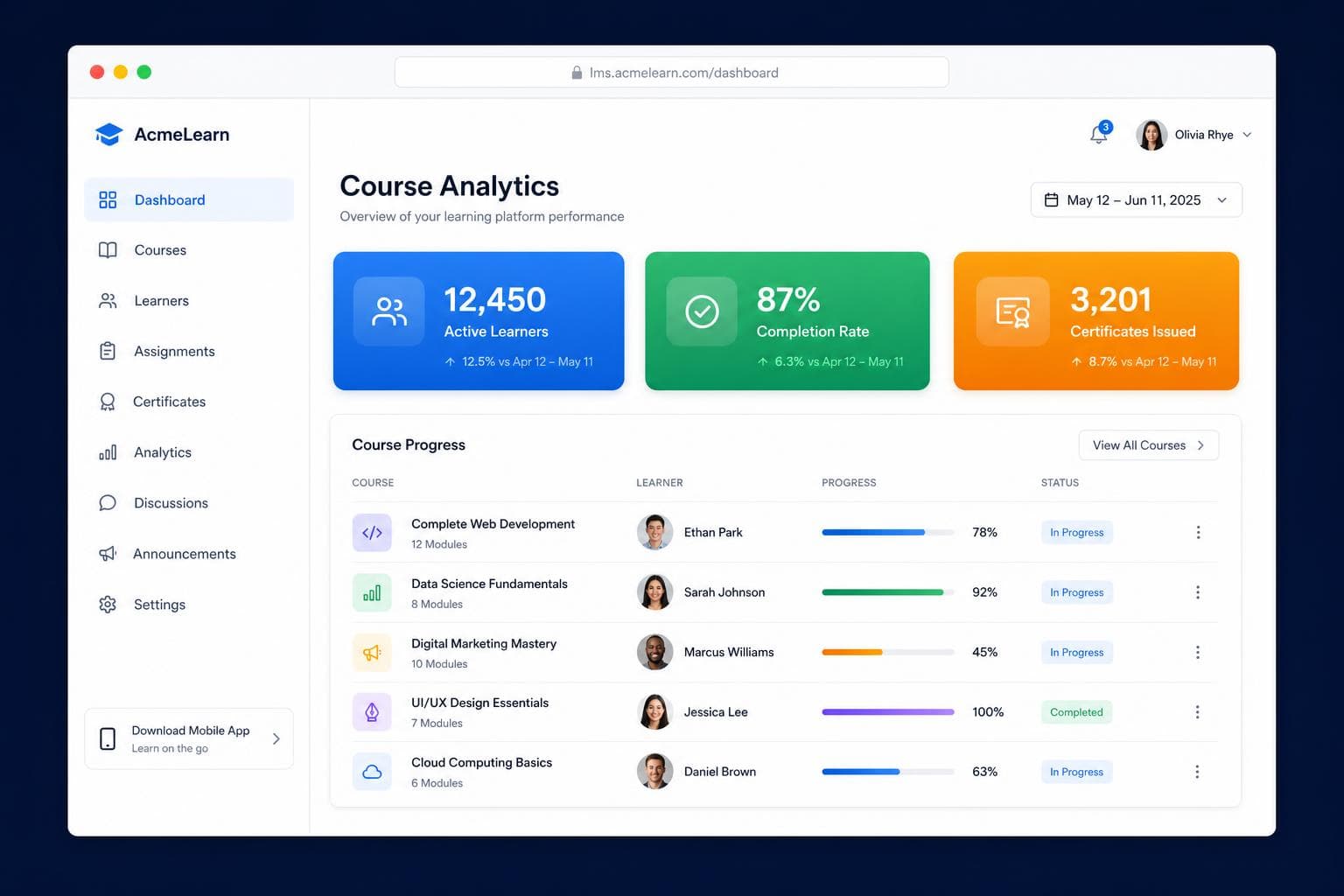
Everything needed to run learning as an organized service.
Drag-and-drop course builder
Create structured modules, lessons, video content, PDFs, slides, resources, and quizzes in one flow.
Branded certificates
Issue polished completion certificates with custom templates and verification details.
Secure video learning
Protect training videos with controlled playback, signed delivery, and learner-aware access.
Global marketplace
Publish reusable content across tenants and let workspaces claim courses into their own catalog.
Teams and departments
Organize learners by cohort, department, client account, job role, or manager hierarchy.
Announcements and i18n
Reach learners with workspace announcements and support multilingual training workflows.
Tenant management
Manage isolated workspaces with their own branding, users, content, settings, and analytics.
Audit-ready reporting
Export progress, activity, completions, assessment results, and certificate outcomes for stakeholders.
Role-based access
Keep platform owners, admins, managers, instructors, and learners in purpose-built surfaces.
Built for every role.
Purpose-built surfaces for platform owners, admins, managers, instructors, and learners.
Super Admins
Platform-wide analytics, tenant management, billing, global course library, and staff oversight.
Tenant Admins
Course builder, learner management, branding, certificates, announcements, and audit logs.
Platform Managers
Operational oversight across tenants without broad billing or destructive permissions.
Team Managers
Assign courses, monitor team progress, and drive accountability with team dashboards.
Instructors and Teachers
Author courses, build quizzes, support learners, and publish content to the marketplace.
Learners
Open a focused course library, continue lessons, take notes, complete quizzes, and collect certificates.
From signup to scaled academy in 4 steps.
Create your workspace
Pick a subdomain, upload branding, configure access, and make the first portal feel owned from day one.
Build courses with AI
Upload training assets and generate quizzes, modules, and structured learning paths faster.
Invite your learners
Bulk import users, assign roles, organize teams, and give every learner a clean dashboard.
Track, certify, scale
Monitor progress, issue certificates, export reports, and expand into new teams or tenants.
Questions, answered.
How long does setup take?
Most teams can start with a branded workspace quickly, then expand learners, roles, courses, and reporting as the academy grows.
How does AI quiz generation work?
Upload training content such as a video, PDF, slide deck, or text. The platform can generate questions, answers, explanations, and difficulty settings for review.
What does multi-tenant mean?
Each tenant can have its own branding, learners, courses, admins, and settings while the platform owner manages everything centrally.
Does it support certificates and reporting?
Yes. Certificates, completion tracking, learner activity, admin reports, and team-level progress are core platform workflows.
Can managers track their teams?
Yes. Team managers can view assigned learner progress and keep training aligned with department or cohort goals.
Can we use our own logo and colors?
Yes. Tenant workspaces are designed for custom branding, domains, colors, and learner-facing identity.
Ready to ship your academy this week?
Start with one branded workspace, add learners and courses, then scale the training operation with confidence.